Account
The desktop app asks you to sign in the first time you open it. Your account identifies your subscription; your actual working data (profiles, knowledge folders, Contexts) stays local either way. NeatContext stores no model credential — there is no model API key to keep.
Sign in
On first launch you can create an account (email + password, confirmed with a verification code sent to your inbox) or sign in to an existing one. Forgot your password? The reset flow emails you a code.
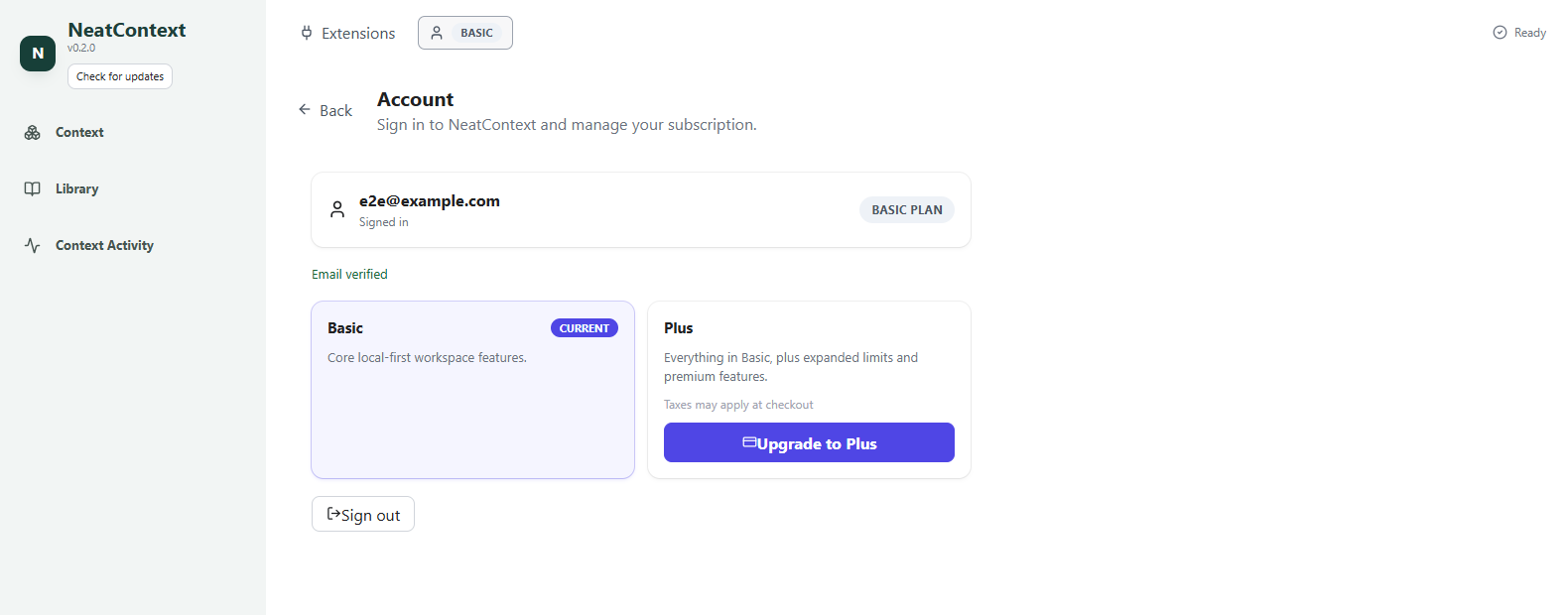
Once signed in, your plan is shown as a badge next to the account entry. Open the Account page any time:
Plans
Some limits depend on your plan — the number of Contexts, knowledge folders per Context, and enabled extensions. For current plans and pricing, see neatcontext.com/pricing — upgrading and managing your subscription is done right from the Account page.
Signing out
Sign out is at the bottom of the Account page. Signing out returns you to the sign-in screen; your local workspace data remains on the machine.